
Connect all your wireless interactive devices
The FeelConnect app allows you to connect your sexual devices with interactive online content as well as your long-distance partner’s toys. The connection process is simple and the experience is amazing. Read this guideline to learn how to download it, how to connect your devices and much more.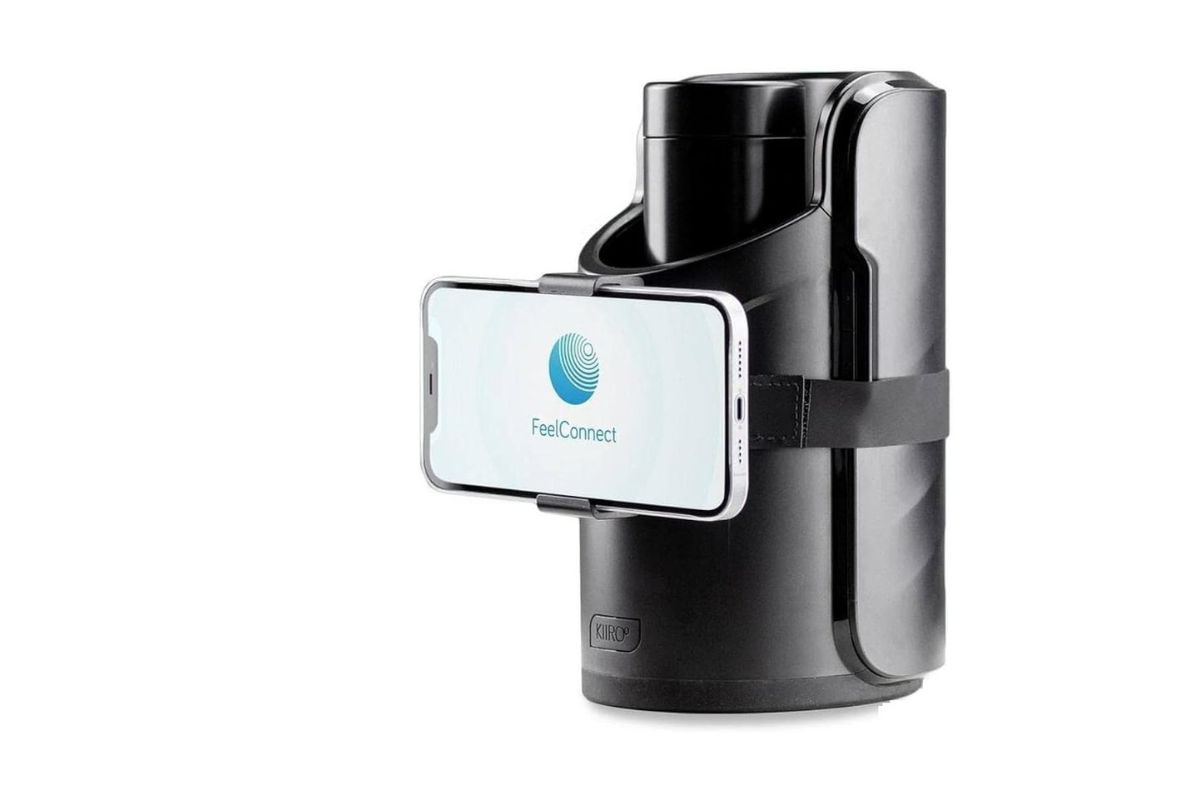
FeelConnect App from Kiiroo
Fulfill your fantasies with the teledildonics that works with this app
The main app of Kiroo, FeelConnect, connects the toys wirelessly for remote use of the devices. It is a free application and allows long-distance sex or even playing alone with videos or patterns created for your pleasure.This app allows you to connect with adult VR content like the one on Virtual Real Porn, where the interactive porn videos are with the best actresses of the moment.You can have local control but also long-distance control of your toys for having sex, if you are with a long-distance love. Control your partner’s device or let them control yours.
You can synchronize your toys with this app to interactive online videos.
You can control the sound of the videos with this FeelConnect app.
Learn how to connect your toy
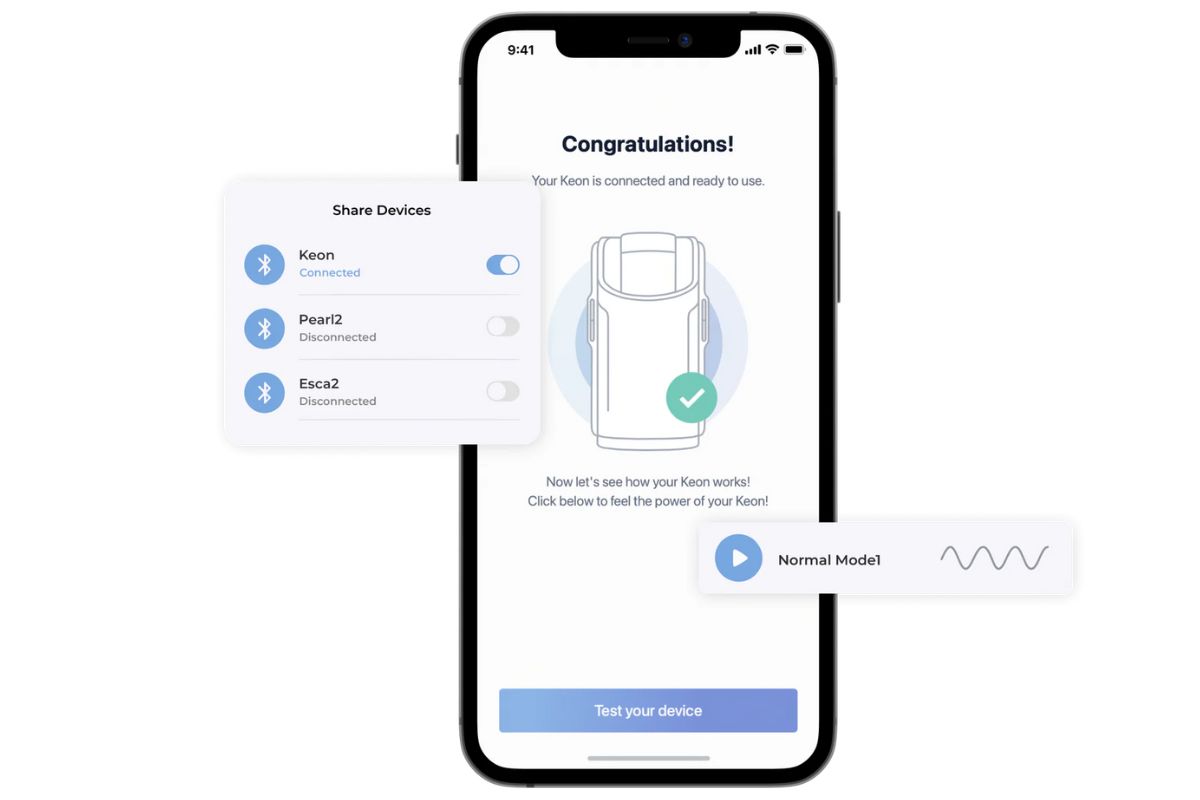
Connect your sex toy with the FeelConnect app: easy and simple
After downloading the app and turning on your Bluetooth and your toy (for example, ONYX+ or Keon), you just have to follow the next steps:Open the app on your phone
Create an account or enter as a guest.
Select “Connect device” (make sure that your Bluetooth is on)
Click on your device and select “Connect”
After the selection of the toy, click on “Add selected devices”
Follow the process of the test.
How can you watch interactive content?
Watch VR porn videos on Virtual Real Porn, Virtual Real Gay, Virtual Real Trans or Virtual Real Passion
After the connection of your toy (follow the previous steps), you have to synchronize your video to connect to interactive content:Select the “plus” button on the top right corner.
Click on “Website”
A Scan of QR will appear
Open the website on your computer and click on the video you want to watch. Look for videos with the vibrate logo or go to the interactive video website.
Turn the Bluetooth on and use the QR code to pair a FeelTech enabled device to FeelConnect App
Once you have pressed play, there will be options at the bottom right-hand corner to be able to watch it in VR cardboard mode.
Select your phone model and press the “Start VR” button. After that, put your phone in the VR card-board.
You are ready to go!
How can you connect with your partner’s device?
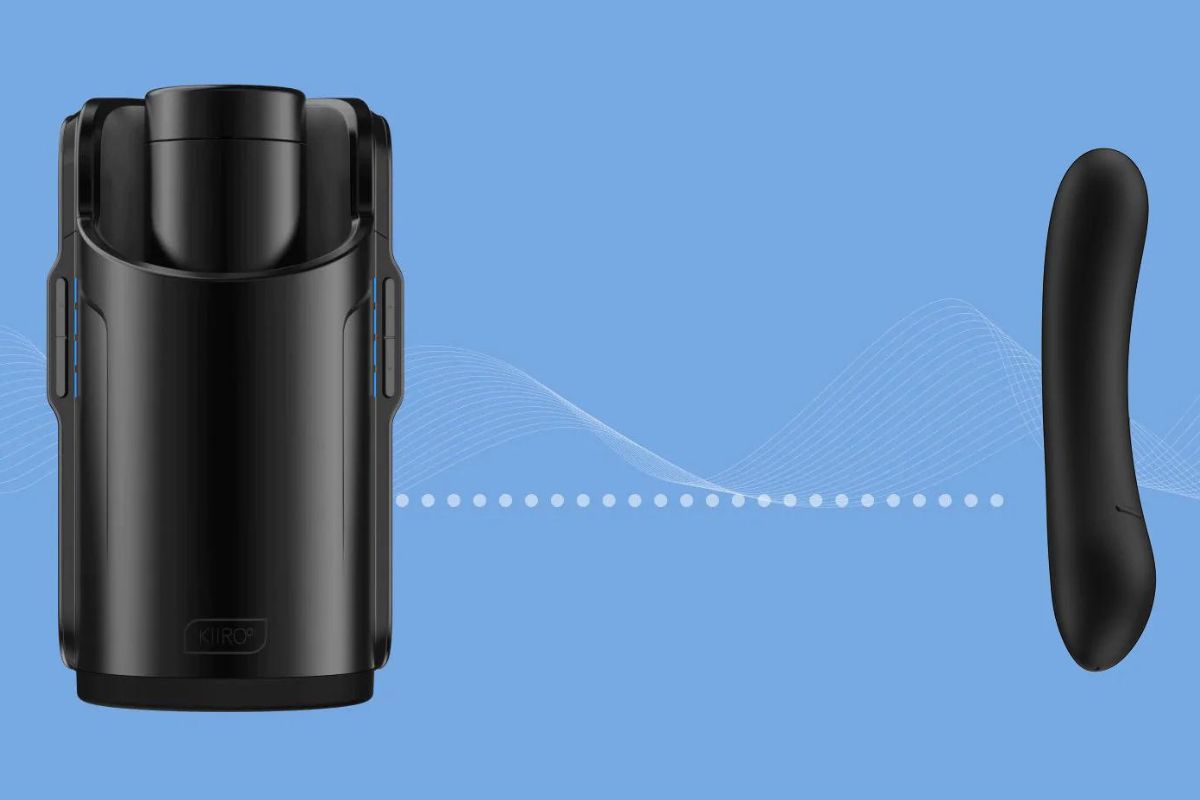 It is very simple, but in case you need some guidance… here it is! After following the previous instructions (download the app and connect your device) you just have to:
Select the option “Invite a partner”. Choose the partner you want to connect with (both need to have an account to connect)
Go to the heart button in the upper side
Click on your partner’s name and there you can chat or video.
Then, press the button “Share devices”
How to connect two or more toys in the same proximity
Turn on your devices. Check that they are in Bluetooth mode
Open the menu bar in the FeelConnect app and click on “Connect a device”
Click on the products you would like to connect. Then tap on “Add selected devices”
Open the menu bar and select “local connect”
Slide the button, it will turn green.
Now your toys are connected within the same room (proximity) and they will respond to each other.